





Canvas recording
Contents
Important: Canvas support was added in v1.105.7 of the PostHog JS SDK. Make sure you are using at least that version or canvas capture will not work.
PostHog can capture canvas elements from your application. It works in both 2D and WebGL environments.
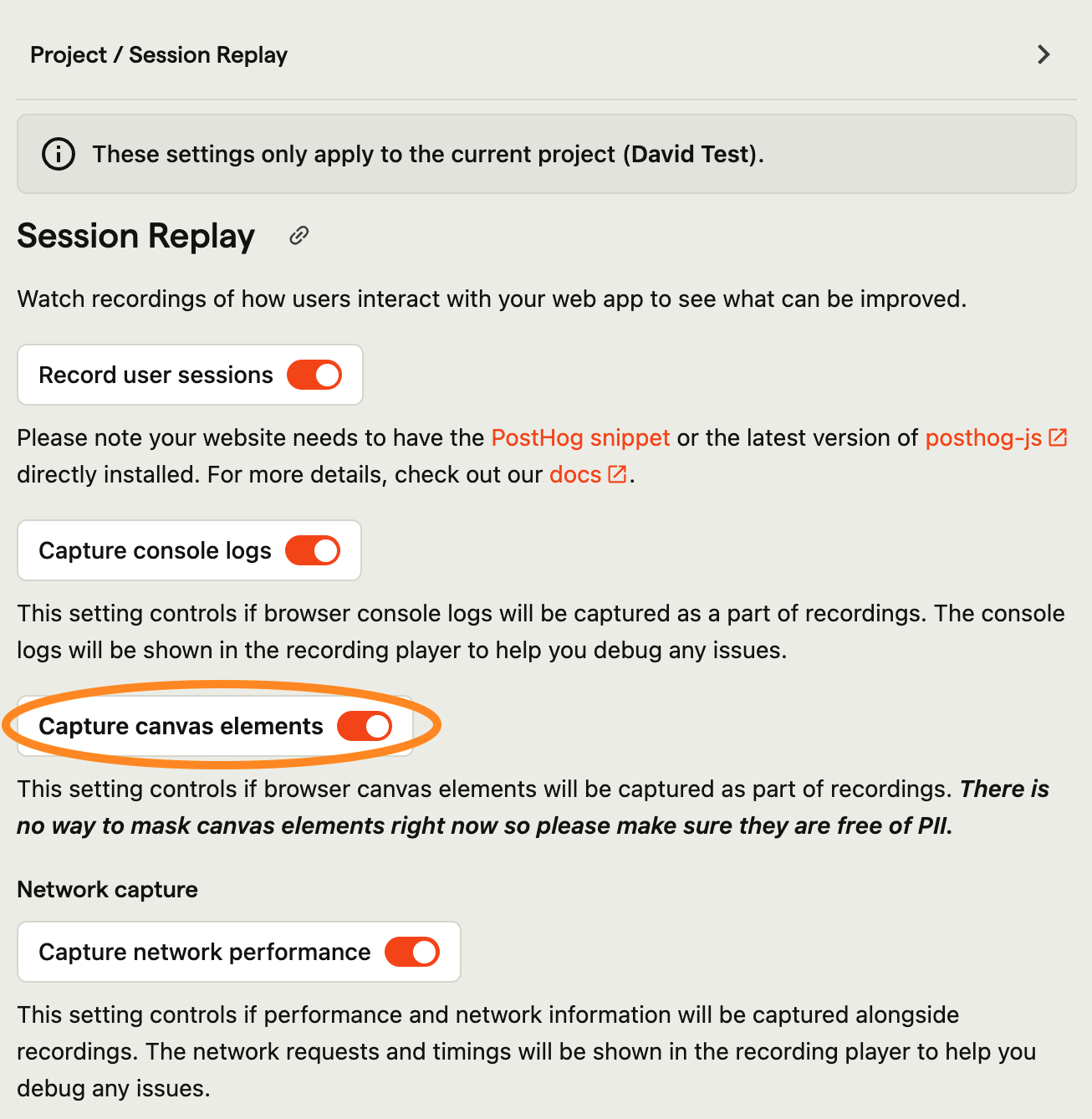
As canvas elements can contain sensitive information and are not covered by DOM-based masking, we do not capture these automatically. Once you are sure they are free of PII (or you have set up canvas masking), you can enable this feature globally from your replay settings.
Canvas elements are recorded at a rate of 4 frames per second which may lead to some perceptual differences during playback.
Masking canvas content
Requires posthog-js version >= 1.408.0.
An application that knows where sensitive content sits inside its canvas can supply mask regions via session_recording.canvasCapture.maskRegionsFn in posthog.init. The returned regions (CSS pixels, relative to the canvas) are painted black inside the capture pipeline before frames are encoded — masked pixels never leave the browser. Returning null skips that canvas's frame entirely rather than recording it unmasked.
Flutter web (PostHog Flutter SDK 5.34.0+) uses this to apply its full masking configuration (maskAllTexts, maskAllImages, PostHogMaskWidget) inside the CanvasKit canvas — see masking in session replay under the Flutter tab for setup.
Canvas recording performance
Canvas recording normally has no impact on your site, but it does need to capture the canvas as an image which can have a performance impact on some sites.
You can override the frequency the image is captured and the quality of the captured image when initializing PostHog on your site: